Introduction
The alamut-batch-wrapper.py script is a python script that adapts a subset of the command-line options supported by the AlamutBatch CLI in order to submit AlamutBatch VCF pipelines to the SOPHiA Genetics Platform via the SOPHiA Genetics CLI. A limited subset of the command-line options available in the AlamutBatch CLI are currently supported see Command Line Options for more details
Requirements
-
The CLI tool requires either a Java Runtime Environment (the latest update of Oracle JRE 1.8 is recommended) or a Java Development Kit in order to start.
-
The wrapper script requires Python 3.8 or higher.
Installation
Download the Python script alamut-batch-wrapper.py which adapts the AlamutBatch CLI to the SOPHiA CLI and will keep you up-to-date with the latest bug fixes and security upgrades of the underlying SOPHiA CLI.
Command-Line Options
Help Command
Run the following command. If the output displays as below, it means that the wrapper was able to successfully download the latest version of the SOPHiA Genetics CLI and the alamut-batch-wrapper.py is ready to use.
$ python3 alamut-batch-wrapper.py --help

Alamut Batch Wrapper to SOPHiA CLI

options:
  -h, --help            show this help message and exit
  --in INPUT_FILE       Path to the input VCF file
  --ann ANN             Path to file to save the output file of annotated variants
  --unann UNANN         File path to save unannotated variants (Currently not supported, will produce empty file)
  --assbly ASSBLY       Genome Assebly, options are GRCh37 or GRCh38. Default is GRCh37
  --alltrans ALLTRANS   No-Op. This is set by default but is included for compatibility with Alamut Batch CLI
  --donnsplice DONNSPLICE
                        No-Op. This is set by default but is included for compatibility with Alamut Batch CLI
  --dogenesplicer DOGENESPLICER
                        No-Op. This is set by default but is included for compatibility with Alamut Batch CLI
  -v, --verbose         Enable verbose mode
Mandatory Options
As with the Alamut Batch CLI, there are three mandatory command-line options that must be supplied:
| Option | Description |
|---|---|
--in <input_file> |
Path to the input VCF file. |
--ann <output_file> |
Path to the output file where annotations will be written. |
--uann <unannotated_file> |
Path to the file listing variants that were not annotated. |
Optional Options
Additionally there are optional Alamut Batch CLI command-line options that are supported
| Option | Description |
|---|---|
--assbly <GRCh37|GRCh38> |
Genome Assembly. Supported values are GRCh37(hg19) and GRCh38(hg38). Default is GRCh37 Note: NCBI36 is not supported as is in Alamut Batch CLI |
Additional/Debug Options
These optional command-line options do not relate to the Alamut Batch CLI but are useful for debugging
| Option | Description |
|---|---|
-v, --verbose |
Enables verbose mode for detailed output. |
| --- |
Usage Example
The following describes the expected behavior of the script when a user starts a run for the first time. To run the Alamut Batch Wrapper with the required options, specifying assembly GRCh38(hg38) use the following command:
python3 alamut-batch-wrapper.py --in /foo/bar/my_input.vcf \
    --ann /tmp/my_output.vcf \
    --unann /tmp/my_unann.txt \
    --alltrans \
    --donnsplice \
    --dogenesplicer \
    --assbly GRCh38
When this command to start a run is issued, the script will go through steps to make sure the underlying SOPHiA CLI is up-to-date, and will direct the user to login if they are not currently authenticated.
SOPHiA CLI Auto-Update Step
When running the python wrapper, the first thing the script does is make sure the underlying SOPHiA CLI is downloaded and up-to-date. The script will inform you of the latest CLI version being downloaded
Downloading latest uploader version. Checksum: a98a97dda1e7c6a71eb8203ca4d799e5.
Or the script will inform you that the CLI version is being updated
Current checksum: 9658a0d4cf7063c9c14182ae90df586e
Remote checksum: a98a97dda1e7c6a71eb8203ca4d799e5
Updated to version a98a97dda1e7c6a71eb8203ca4d799e5.
Or alternatively, the CLI will inform you that the latest version of the CLI is already downloaded.
Script is up-to-date (checksum a98a97dda1e7c6a71eb8203ca4d799e5)
Authentication Step
If the user is not authenticated, the script will open their default web browser to the authentication page where they will proceed through the following steps.
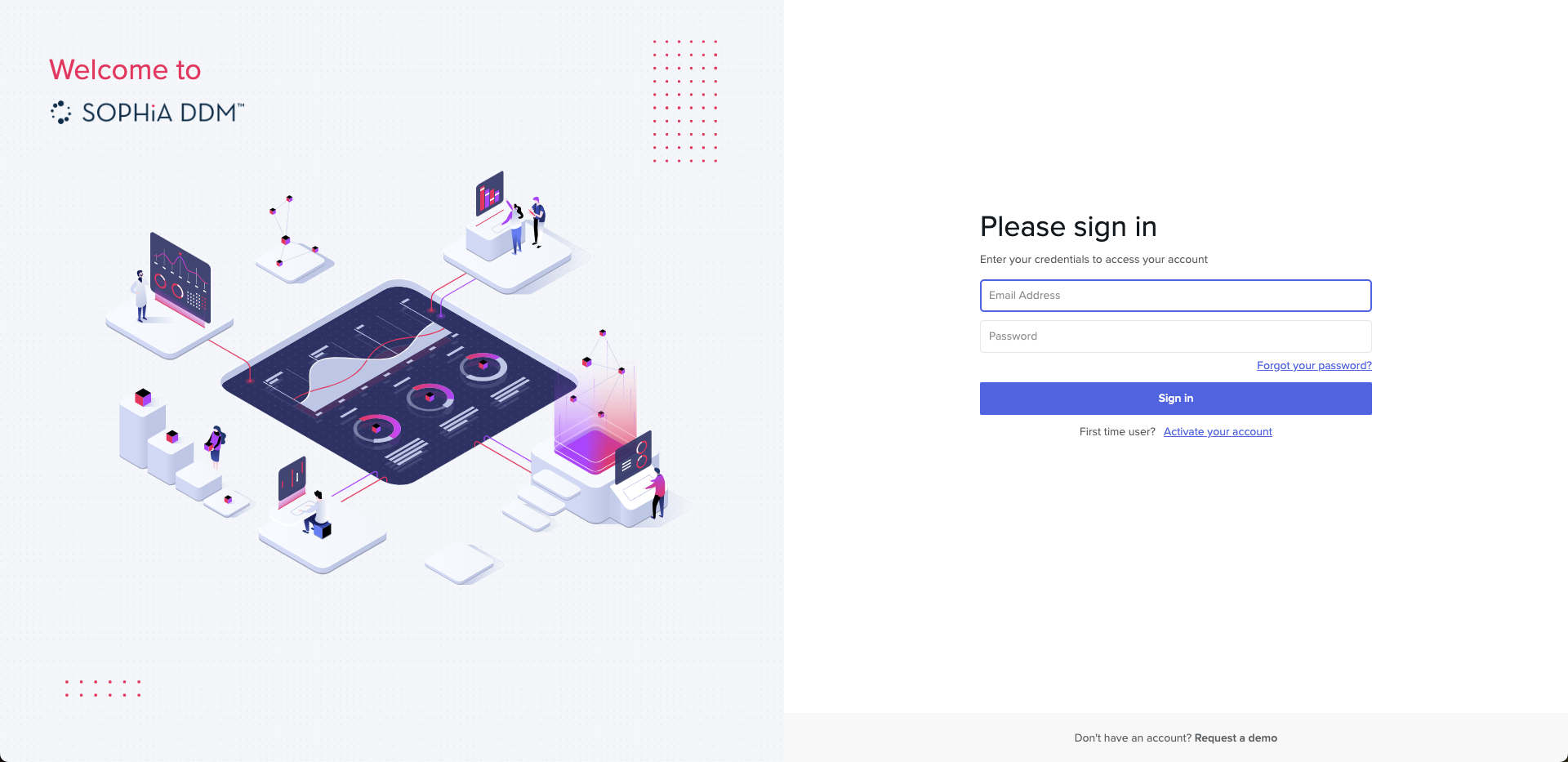
User Logs In With Credentials
User enters their SOPHiA Login Credentials
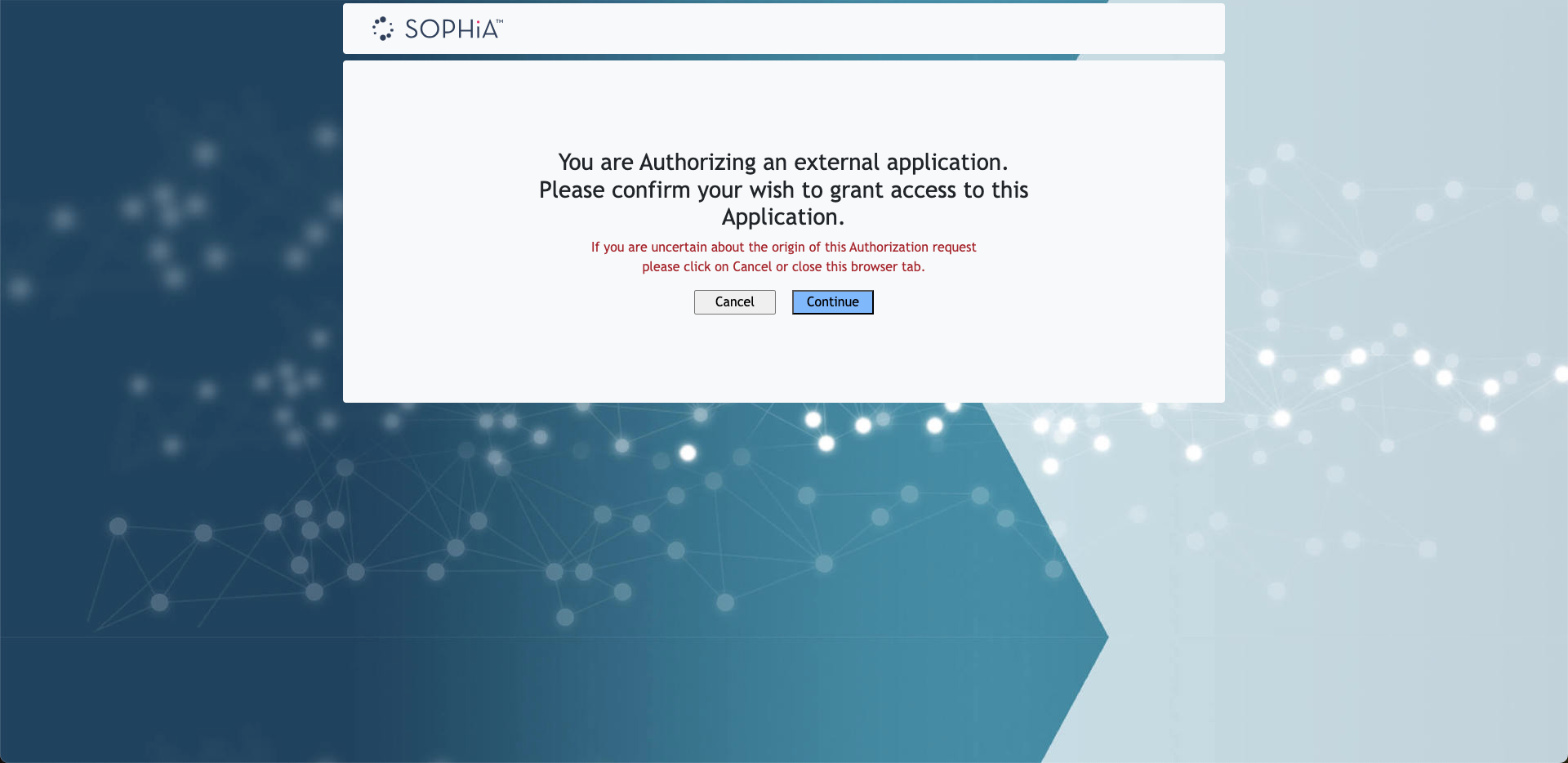
User Grants Access To Python Wrapper
User grants the python wrapper access to the authorized session by pressing "Continue"
Login Complete
Login was successful and user can close the browser window

The CLI will inform you if you have been authenticaed.
Already logged in with IAM
You're logged to IAM with client id: 3
Pipeline Run Phase
If the authenication step passed the user will be informed that the run is being created with given options.
Starting run creation with input file ./my_example_input.vcf and assbly option GFCh37
Errors During Run Creation
If a known error occurs during run creation, the error will be displayed
Failed to create run. Error: Folder/File does not exist: ./my_example_input.vcf
Alternatively if an unknown error occurs the following will be displayed
Failed to create run, see sg_upload-cli_support.log for details
Successful Run Creation
If the run was successfully submitted, the following will be displayed. The runs current status will be regularly polled and updated. A loading pinwheel will spin next to the status for the duration of this phase until the run completes. This script will automatically timout if the pipline has not finished in 24 hours. See Manually Retrieving Run Output
Run ID: 200042784, Current Status: Upload in progress -
Run ID: 200042784, Current Status: Pipeline running -
Note: If an error occurs during the pipeline-run phase the script will inform the user to check sg_upload-cli_support.log for more details and will exit
Successful Run Completion
If the run finishes successfully and the output file is saved to the locaiton specified via the --ann argument the script will output the following
Run 200042784 completed successfully.
File downloaded successfully to ./my_output.vcf
Manually Retrieving Run Output
In the event that the script is canceled or otherwise does not make it to the file download phase after the run has been submitted, the output file(s) can still be retrieved. Manually retreiving the files from a completed run is preferential to submitting another run.
Finding Your Run Id
The run for which you are trying to manually retrieve the output file(s) for is listed as part of the python wrapper output see Successful Run Creation. If you do not have this output available, the run Id can be found in the sg_upload-cli_support.log in an entry that looks like this:
Batch Analysis successfully created with id 200042784
Listing Run Output Files
Using the run Id retrieved in the previous step you can issue the following command
java -jar sg-upload-v2-latest.jar file --list --run-id 200042784
Note: If you are running against a non-production environment eg: EAP, you will also have to pass -Dmicronaut.config.files=./application.yaml as an arguemnt. Reach out to support for the contents of this file The output of this command will look like this
[
  {
    "name": "full_variant_table.txt",
    "id": 204197366,
    "filename": "full_variant_table.txt",
    "contentLength": 324925,
    "downloadable": true
  },
  {
    "name": "OMIM_annotation_table.txt",
    "id": 204198329,
    "filename": "OMIM_annotation_table.txt",
    "contentLength": 7207,
    "downloadable": true
  },
  {
    "name": "full_fusion_table.txt",
    "id": 204198588,
    "filename": "full_fusion_table.txt",
    "contentLength": 365,
    "downloadable": true
  }
  ...
]
Downloading Output File
Using the id parameter for the file you wish to download as the file-id you can run the following, specifying the destination of the output file with the --file-out parameter.
java -jar -Dmicronaut.config.files=./application-gen2-eap.yaml sg-upload-v2-latest.jar file --download --file-id 204198675 --file-out ./my_file_output.txt
Note: If you are running against a non-production environment eg: EAP, you will also have to pass -Dmicronaut.config.files=./application.yaml as an arguemnt. Reach out to support for the contents of this file